


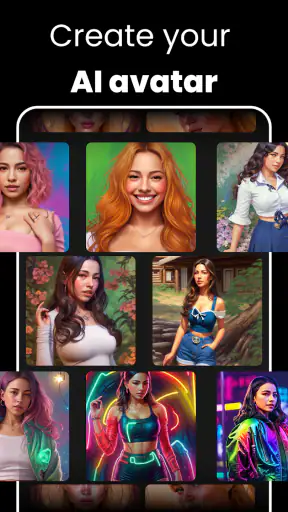
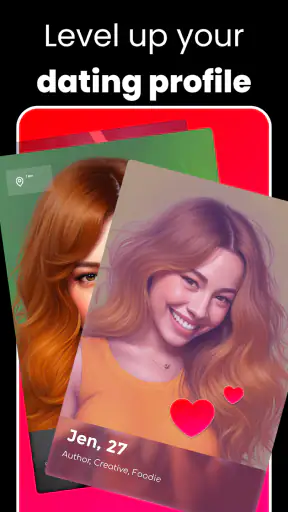
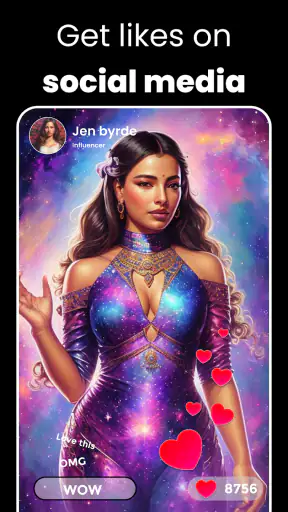
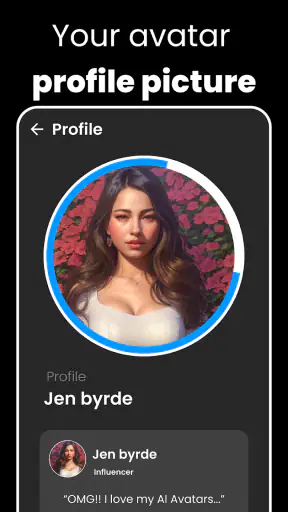
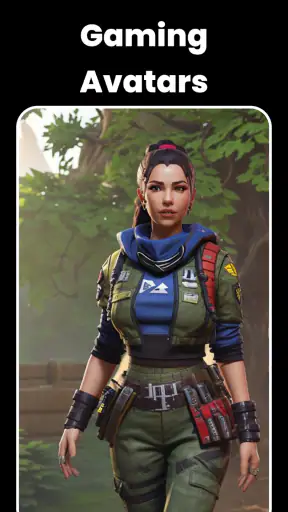
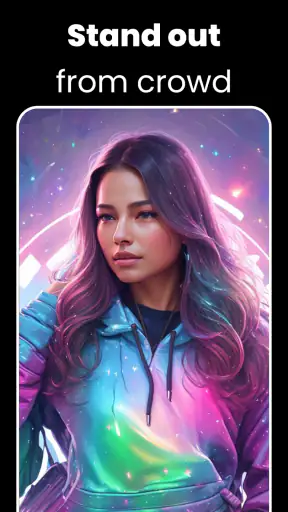
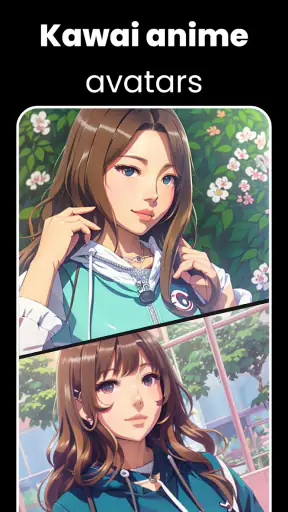
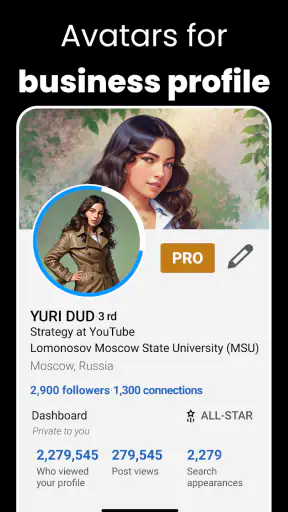
AI Avatar: AI Headshots, DP is the kind of art and design app I would open when I need a polished profile image but do not want to arrange a photographer, lighting setup, or a full desktop editing session. Its focus is turning personal photos into AI-assisted portraits for social profiles, dating accounts, professional pages, and everyday display pictures. I found the idea appealing because the task is specific: start with images of yourself and explore a more finished-looking version of your presentation.
The experience is not completely effortless, though. The quality of the result depends heavily on the photographs I begin with, and the path from choosing images to getting something usable can feel less predictable than a normal filter app. That makes this app more interesting than a simple one-tap editor, but also means it rewards a little preparation. If you expect every upload to produce a convincing headshot immediately, you may become frustrated. If you treat it as a tool for trying several visual directions, it becomes easier to judge fairly.
What the app is really useful for
In my experience, the strongest use case is a quick refresh of an online identity. A person applying for a community group, updating a messaging profile, or making a dating profile may want something cleaner than a casual snapshot without making the image look like a formal studio portrait. The app’s AI avatar and headshot approach is suited to that middle ground: more intentional than an unedited phone photo, but more personal than a generic stock image.
I would also consider it useful for experimenting before committing to a new profile picture. Instead of editing one photograph repeatedly, I can compare several generated directions and decide which version still feels like me. That comparison matters because an image can look technically attractive while losing the facial details or expression that make it recognizable.
The app is free to install, which makes trying the basic experience relatively approachable. It is developed by Generative AI Magic Tools By Phot.AI and sits in the Art & Design category. Its store presence shows over a million installs and an average rating of 3.2 from around ten thousand ratings, so I would approach it as a tool with a mixed user experience rather than an effortless solution that works identically for everyone.
Its Teen content rating is also worth keeping in mind. That does not automatically make it the right choice for every young user or every portrait project, but it signals that the app is not positioned solely as a formal business-photo utility. I would still review the result carefully before using it publicly, especially when the picture is meant to represent me in a professional or sensitive setting.
Where the first attempt can go wrong
The most common stumbling block is usually the input photo. AI portrait tools need enough visual information to recognize a face and preserve its identity. A dark selfie, a strongly tilted head, sunglasses, a hand covering part of the face, or several people crowded into one frame can make the result less reliable. Even when the app accepts the image, the finished portrait may have an odd expression, softened features, or details that do not resemble the original person closely enough.
I get better results by choosing a small group of clear photos rather than uploading every image in my camera roll. I look for front-facing or gently angled portraits, visible eyes, consistent appearance, and ordinary lighting. A neutral expression can be useful for a professional result, while one natural smile helps prevent the output from feeling stiff. The important point is consistency: if the source images show very different hairstyles, ages, accessories, or lighting conditions, the generated identity may drift.
Another place users can get stuck is expecting the first result to match a precise mental picture. AI-generated portraits are interpretive. A request for a professional-looking image may produce a polished result, but “professional” can mean different things: corporate, creative, formal, relaxed, or studio-like. I find it more productive to judge the output against a practical purpose instead of asking whether it is perfect in the abstract.
There is also a difference between a portrait that looks good at full size and one that works in a small circular profile frame. Fine clothing details may disappear, while an unusual background or exaggerated lighting can become distracting. I check the image at the size where people will actually see it. A simple, readable face often works better than a dramatic composition once the picture is reduced.
Setup checks that save time
Before starting, I make sure the phone has a stable connection and enough free space for the app and its image-handling process. I also keep the chosen photos easy to find instead of beginning with a large, disorganized gallery. These are ordinary checks, but they remove much of the confusion when an upload appears slow or a selection seems not to continue.
The app currently lists version 2.1.38.0 and supports Android 7.0 and later. On an older phone that technically meets the minimum system requirement, I would be more patient with loading and image processing than I would be on a newer device. A compatible operating system does not guarantee identical speed across devices, particularly when the task involves creating or handling high-resolution portraits.
I also recommend checking the selected image itself before blaming the application. If the original file is heavily compressed, cropped too tightly, or copied from a social network with reduced quality, the app has less detail to work with. A clean image from the phone’s own gallery is a better starting point than a screenshot of a previous profile picture.
Because the app is free but includes purchases ranging from $2.99 to $149.99 per item, I would pay attention to the purchase screen before confirming anything. The broad range suggests that different options may carry very different costs. I would not tap through quickly just to reach the next step; I would first understand which action is free and which action leads to a paid item. This is especially important if I am testing the app casually rather than working on a time-sensitive profile.
A useful preparation trick is to decide the purpose of the portrait first. For a professional profile, I want a calm expression, uncluttered framing, and believable styling. For a social account, I may accept more personality or a less formal appearance. For dating, recognizability matters more than a heavily transformed look. Having that goal in mind helps me reject attractive but misleading results instead of treating every polished image as an improvement.
A more reliable workflow
My preferred workflow starts with selecting a few consistent source images, then reviewing the generated results slowly rather than choosing the first one that looks impressive. I check the eyes, teeth, hairline, jaw, skin texture, and any distinctive features. These details are where an AI portrait can look convincing at a glance but become questionable when inspected closely.
I also compare the output with the original photos under ordinary lighting. If the generated version changes my apparent age, face shape, or expression too much, I would not use it for an account where people need to recognize me. A profile picture should improve presentation without creating a false impression. The most successful result is not necessarily the most glamorous one; it is the one that remains believable after a second look.
If a generation seems wrong, I would recover by changing the source selection rather than repeatedly submitting the same weak image. For example, replacing a group shot with a clear solo portrait can solve more than trying a different style on the same file. Removing sunglasses, choosing a less extreme angle, or using photos from similar lighting conditions can also make the next attempt more coherent.
When the app presents several possible results, I would save or note the strongest candidate before experimenting further, where the available workflow allows it. This is a practical habit because creative tools encourage constant comparison, and it is easy to lose track of which version had the most natural face. I would also keep the original photograph separately so I can return to a truthful baseline if the generated options become too stylized.
One non-obvious trade-off is that variety can make the app more useful and less predictable at the same time. Exploring different portrait treatments gives me more choices, but every additional transformation creates another opportunity for identity drift. I use the app as a controlled shortlist generator, not as an automatic replacement for personal judgment.
When the app may not be the cause
Not every failed or disappointing result points to a problem inside the application. A weak network can interrupt an upload or make processing appear frozen. A nearly full phone can make image-heavy tasks behave poorly. An older device may take longer to respond, and a damaged or unusually large photo can create trouble before the AI stage even begins.
My basic recovery sequence is simple: wait briefly, confirm the connection, close other demanding apps, reopen the portrait tool, and try one clear image instead of a large batch. If the same source photograph repeatedly produces an unnatural face, I change the photograph. If several different clear images fail in the same way, I then consider whether the issue is temporary rather than continuing to spend time on identical attempts.
I would also distinguish between a technical failure and a creative mismatch. A result that finishes successfully but gives me an overly smooth face is not necessarily a malfunction. It may simply be unsuitable for the purpose I had in mind. In that situation, the answer is to adjust expectations, choose a more natural source, or return to a conventional editor where I control each correction directly.
This distinction is important when comparing the app with ordinary alternatives. A standard photo editor gives me predictable controls for cropping, brightness, contrast, blemish removal, and background adjustments. I know what each slider does, but I must do the work myself. AI Avatar: AI Headshots, DP can save time by proposing a more complete visual transformation, yet it gives me less exact control over every facial and stylistic decision.
A camera app or a normal portrait session remains better when authenticity and consistency are the priority. A real photograph preserves the person in front of the lens, while an AI portrait may improve presentation at the cost of small inaccuracies. For a casual social image, that compromise may be acceptable. For identification, official documents, serious professional representation, or any situation where the image must precisely match reality, I would choose the conventional route instead.
Who should try it, and who should skip it
I think the app is a good fit for someone who wants several polished avatar ideas without learning advanced design software. It is particularly appealing to users who have ordinary phone photos but want to explore a more deliberate look for social, dating, or profile use. The free entry point makes experimentation easier, provided the user reads the purchase choices carefully and does not assume every advanced result is included.
It is less suitable for a user who wants pixel-level control, a guaranteed identical likeness, or a fast professional workflow with no trial and error. Designers who already work comfortably in a conventional editor may find the AI approach less precise than their usual tools. Likewise, anyone uncomfortable with transforming personal portraits should think carefully before starting and should use only images they are comfortable processing through an app.
For a realistic everyday scenario, imagine updating a work-community profile after years of using an old selfie. I would choose three recent solo photos taken in similar light, avoid dramatic styling, and review the generated portraits at the small size used by the profile. If one option looks polished but changes my face noticeably, I would reject it. If another keeps my features and simply improves the overall presentation, that is the one I would use. This workflow turns the app into a practical aid rather than a machine making the final decision for me.
Another useful scenario is preparing a dating profile where several photos need to feel consistent. I would not use generated images for every picture, because that could make the profile feel artificial. Instead, I might use one carefully checked AI-assisted portrait alongside ordinary recent photos. The trade-off is clear: the generated image can provide a stronger first impression, but the surrounding images should keep expectations honest.
My practical verdict
After looking at the app as a working tool rather than a novelty, I see its value in speeding up the search for a presentable personal portrait. It is more ambitious than a basic filter, and that ambition is exactly why the source photos, purpose, and review process matter. The best results come from users who are willing to prepare images, compare outcomes, and reject anything that no longer looks like them.
The app’s free status makes it reasonable to test, while the in-app purchase range means I would treat paid choices with care instead of assuming the entire experience costs nothing. Its current version is 2.1.38.0, and the Android requirement of 7.0 or later keeps it accessible to many devices, although real-world responsiveness will still depend on the phone and connection.
My recommendation is straightforward: try AI Avatar: AI Headshots, DP if you want quick ideas for a social, dating, or general profile portrait and are comfortable judging AI-generated images critically. Start with clear, consistent photos, decide what “good” means for the account you are updating, and keep a natural original image as your reference. Do not choose the most dramatic result automatically; choose the one that remains recognizably you.
I would skip it when exact identity, complete editing control, or documentary authenticity matters more than convenience. In those cases, a well-taken phone portrait or a traditional editor is the safer and more predictable choice. For everyone else, this app is worth a measured trial—not because every generated headshot will be perfect, but because it can turn a vague profile-photo problem into a manageable set of options.


